Photshop Brushes 2
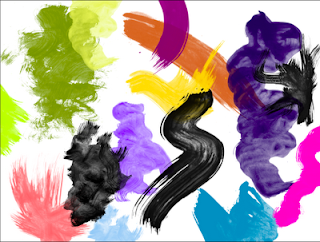
I thought I had found the best site for brushes, which I posted earlier. Guess not. Scouring the web I have come across a few more. Here follow a few links PSBrushes Categorized and very practical. Brusheezy MyPhotoshopBrushes.com Also categorized with instructions on 'How to install' brushes.500ml.org These are actually more like Stamps then brushes. It's best to just click when using these 'brushes' instead of dragging. Saving the best for last. At the link below you can find brushes that are 2500 pixels wide! Ideal for water colors or other painterly effects. This site also has vector brushes for Illustrator. This is the link for Photoshop brushes Here are a few handy keyboard shortcuts when using brushes. Type B = selects Brush Tool Brush diameter [-key = smaller brush diameter ]-key = larger brush diameter Hardness Shift + [ = softens brushes Shift + ] = increases hardness Opacity Type 1 = 10% Type 2 = 20% etc. Type 0 = 100% Type a quick 65 = 65% Straight...