Illustrator tip Mirror images
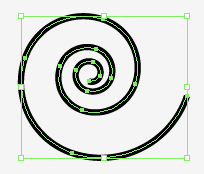
Ever heard of the Rorschach inkblot test? Good news you can draw them yourself in Illustrator. Who knows you may find out more about your inner self. It works as follows 1. Draw an object and select it. 2. Go to Effect> Distort and Transform> Transform. 3. Enter the following values and check the Reflect Y. Make sure the reference point is below and centre and set copies to 1. Click OK. A copy of your image will be placed. 4. Select the object. 5. Go to Window> Graphic Styles and click on the new graphic style icon to add the style. Now you can apply this Graphic Styles to any object. 6. You can also apply the style to a layer. Make a new layer. target this layer by clicking on the button. Then click on the graphic style. The style will now be applied to everything you draw.
